Windows 11 Insider Preview Build 26220.7859 Released by Microsoft


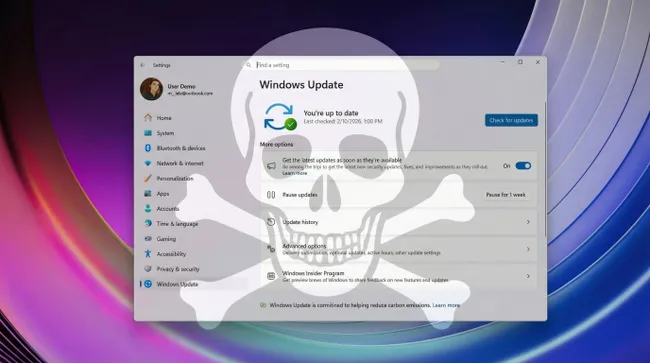
Microsoft has announced the release of Windows 11 Insider Preview Build 26220.7859 (KB5077223) to the Beta Channel. This build aims to provide enhancements and new features for users who have opted into the Insider programme, allowing them to access updates as they become available.
The changes in this build are categorised into new features and improvements. These updates focus on enhancing the user experience and addressing notable issues reported by users. Subscribers to Microsoft 365 Family can now find an option to upgrade their plan on the Accounts page within the Settings app. Users are also given the option to remove the upgrade suggestion by disabling suggested content in the Settings.
In a separate development, Microsoft’s recent security update KB5077181, released on February 10, 2026, has reportedly caused significant issues for some users. The update, designed for Windows 11 versions 24H2 and 25H2, has led to widespread reports of critical boot failures, with devices experiencing infinite restart loops, sometimes exceeding 15 cycles. This situation has prevented affected users from accessing their desktops.
The security update was intended to address 58 vulnerabilities in Windows, including six that were actively exploited in the wild, as indicated by the Cybersecurity and Infrastructure Security Agency's (CISA) catalogue of Known Exploited Vulnerabilities. It included essential security fixes and quality improvements, along with new Secure Boot certificates.
Despite these important features, users have faced several installation errors following the update, such as the 0x800f0983 and 0x800f0991 errors, particularly affecting certain hardware configurations. The installation issues have been widely documented in community forums, with users outlining their experiences and attempts to rectify the situation. For those experiencing boot loops, Microsoft advises uninstalling the problematic update, navigating to Control Panel > Programs and Features, selecting the update, and uninstalling it before restarting.
For users with persistent boot loop issues, Microsoft suggests entering the Windows Recovery Environment by interrupting the boot process or using installation media to access recovery options. Once in the recovery environment, users can execute commands to remove the update.
Enterprises using Windows 11 are urged to monitor update deployments closely and to conduct thorough testing before rolling out updates organisation-wide. Users are reminded of the importance of exercising caution when applying new updates, particularly in environments where stability is critical.
As of February 15, Microsoft had not officially acknowledged these widespread issues, prompting users to proceed with caution and consider delaying installations on non-essential systems. The potential benefits of updates must be weighed against the risks posed by potential instabilities, particularly during Patch Tuesdays, which are scheduled for the second Tuesday of each month.

Election Commission Extends Deadlines for Andhra Pradesh and Meghalaya

INDIA Bloc Announces Nationwide Campaign Against Chief Election Commissioner

Gujarat Authorities Seize ₹3,000 Crore Worth of Drugs at Sea

Modi and Trump Discuss Bilateral Cooperation in Key Sectors